Make these adorable laser engraved bookmarks with your laser machine and my free SVG download!
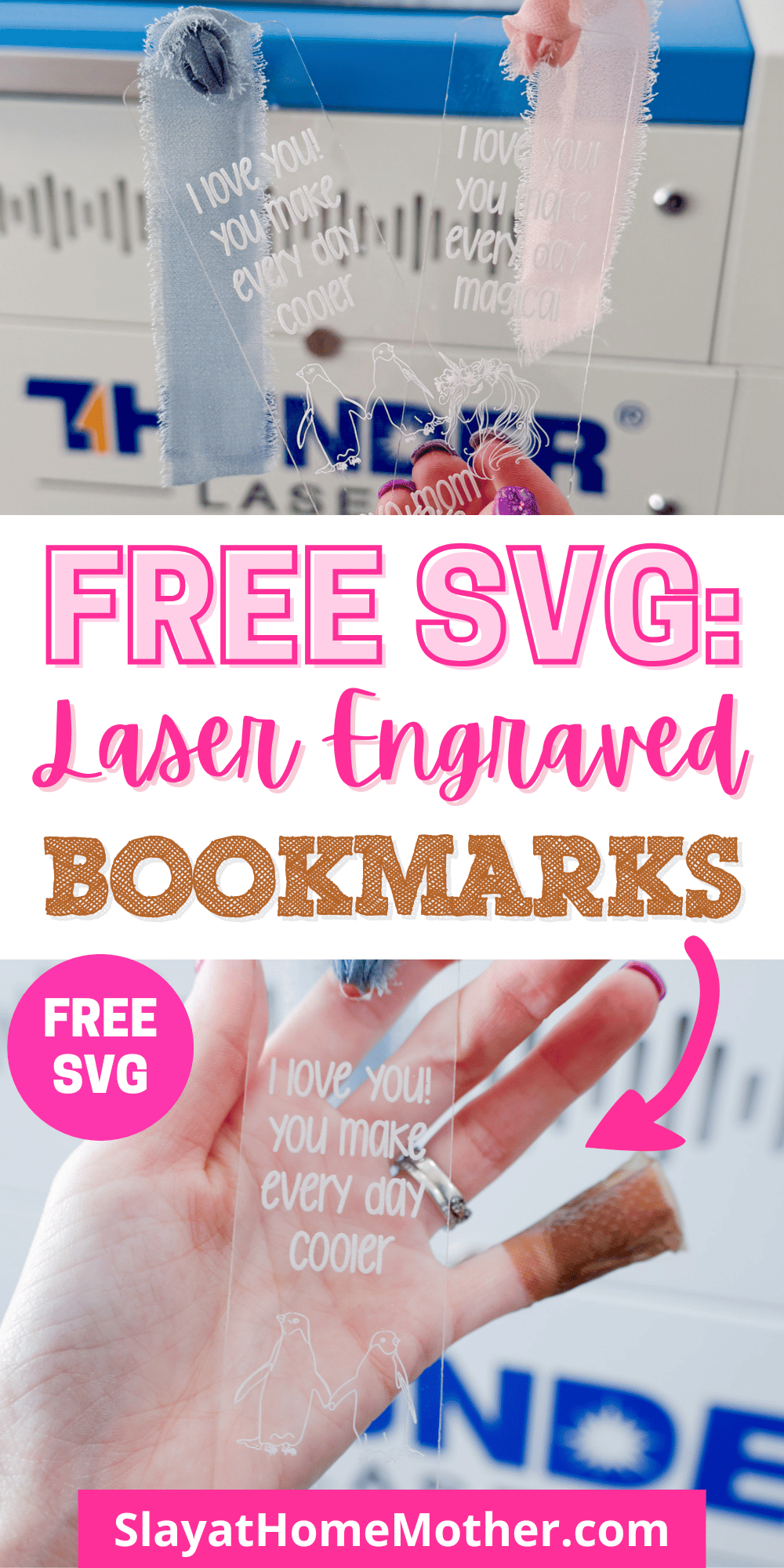
Finding something to gift my kids for Valentine’s Day this year that doesn’t involve candy?
Yes, please!
My kids are pretty avid readers, and they are always looking for bookmarks, so I figured…
Why not make them one?
With my laser machine, I can engrave a custom message on each bookmark and include anything I like.
In this post, I’ll walk you through how to engrave your own custom bookmarks with your laser machine, sharing my settings, and including some easy tips and materials to get you started.
I hope you love and enjoy creating this project as much as I did. Be sure to download your file below, and share it with me when you make it (@slayathomemother)!
This post may contain affiliate links, however, all opinions are my own, as always.
What You’ll Need for these Laser Engraved Bookmarks
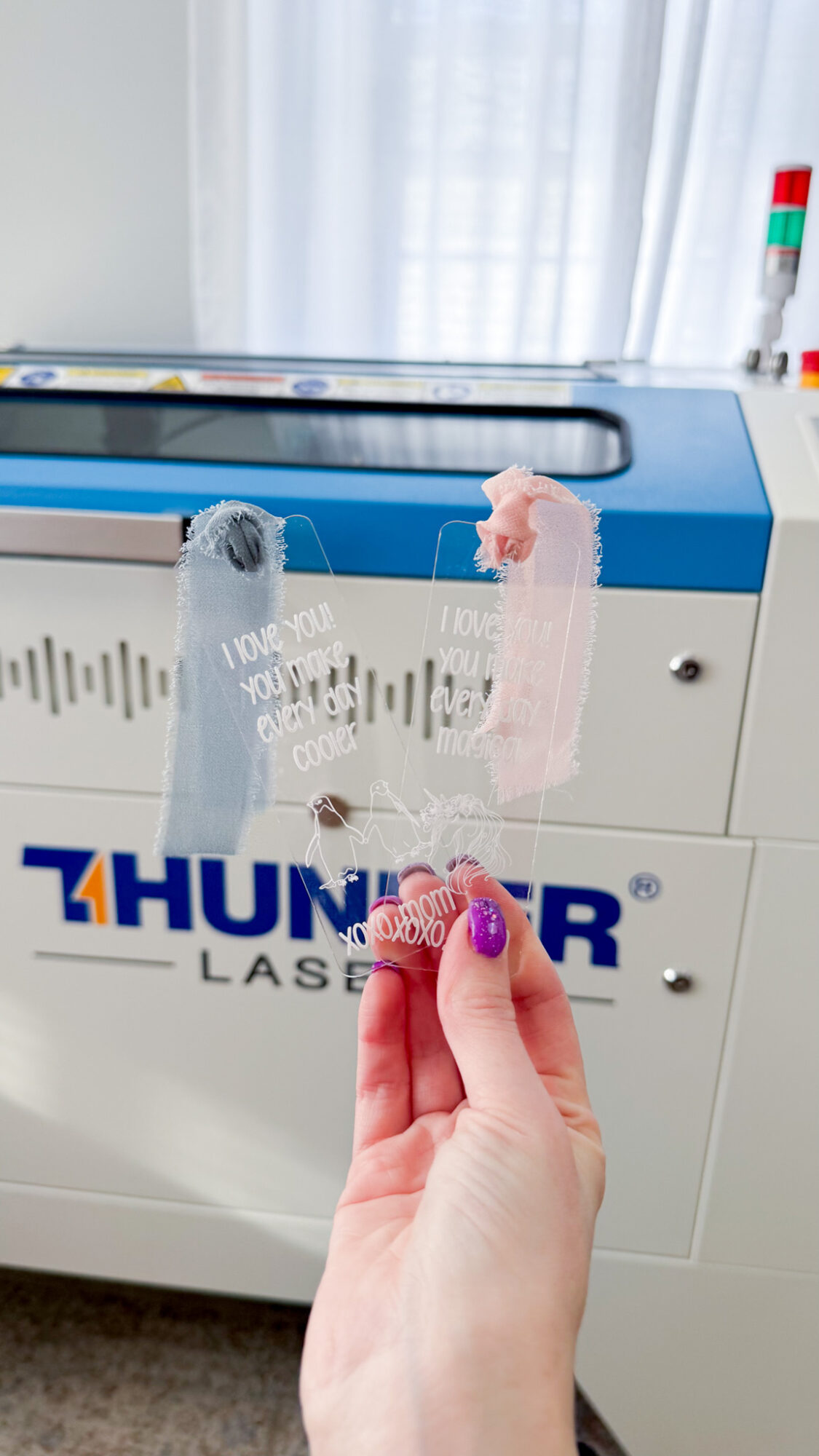
Here is what I used to create these engraved bookmarks:
- 1/16″ clear gloss acrylic (shiny, not matte)
- laser machine
- SVG file (grab my free SVG download at the bottom of this post!)
- ribbon of choice (here is the set I used, with multiple colors)
My Laser Machine
In this project, I’m utilizing the Nova Plus 35 60W, which is a workhorse laser machine.
I graduated from the Thunder Bolt, which was an incredible starter desktop laser, to this one so I could expand my crafting library for you (and me!).
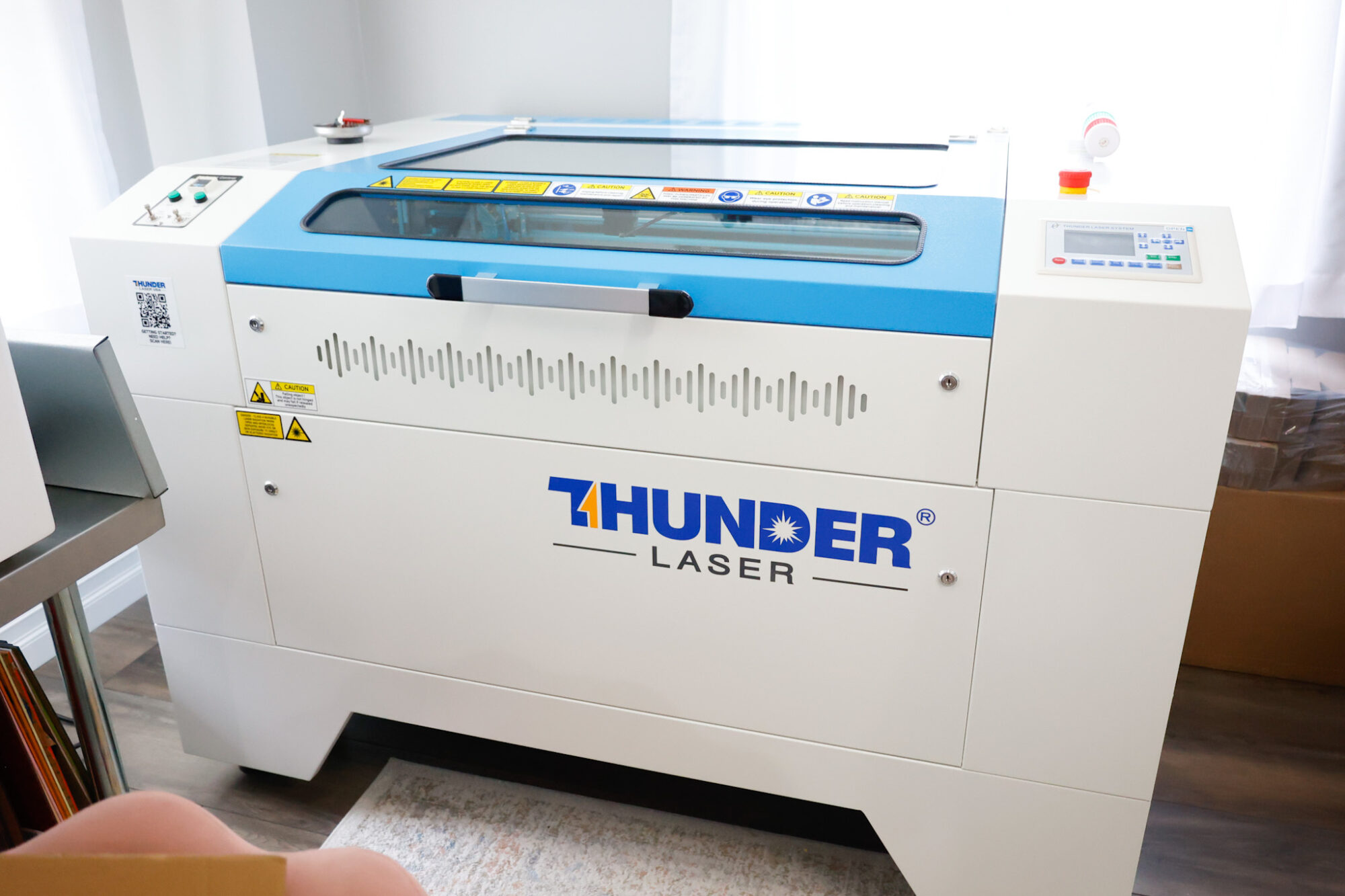
This machine has been incredible for crafting nursery signs, ornaments, door signs, tiered tray decor, and so much more!
The honeycomb on this laser bed is perfect for making larger items like nursery signs, door signs, etc.
The laser bed measures approximately 24″ x 36″, which is a generous work space for cutting multiple shapes/designs out of each piece of wood.
You May Also Like: Christmas Tiered Tray Decor + Free SVG
Laser Cut Settings for 1/16″ Acrylic
To cut these shapes out cleanly, I used these settings with my laser machine:
Cut: 10 mm/s, 45% power (I could have easily gotten away with 25% power, just an FYI – but I want to be honest about what worked. The edges aren’t as clean as I’d like with this high power of 45%.)
Engrave: 250 mms/s, 45% power with .080 interval
For engraving, I mirror the design in LightBurn so it is engraved on the backside of the bookmark – I find this gives me the best results!
FYI: If you have a CO2 laser, the settings will differ for you as well as my settings shown in this post are for my RF laser. It’s recommended that you run a test sheet for scoring/engraving/cutting for your laser so you have some go-to settings for the different materials.
Cleaning the Masking from your Acrylic
I leave the masking tape on my acrylic for engraving and cutting, and remove it afterwards.
Here, I have done an initial wipe with alcohol (whic is why it looks smudged!)…
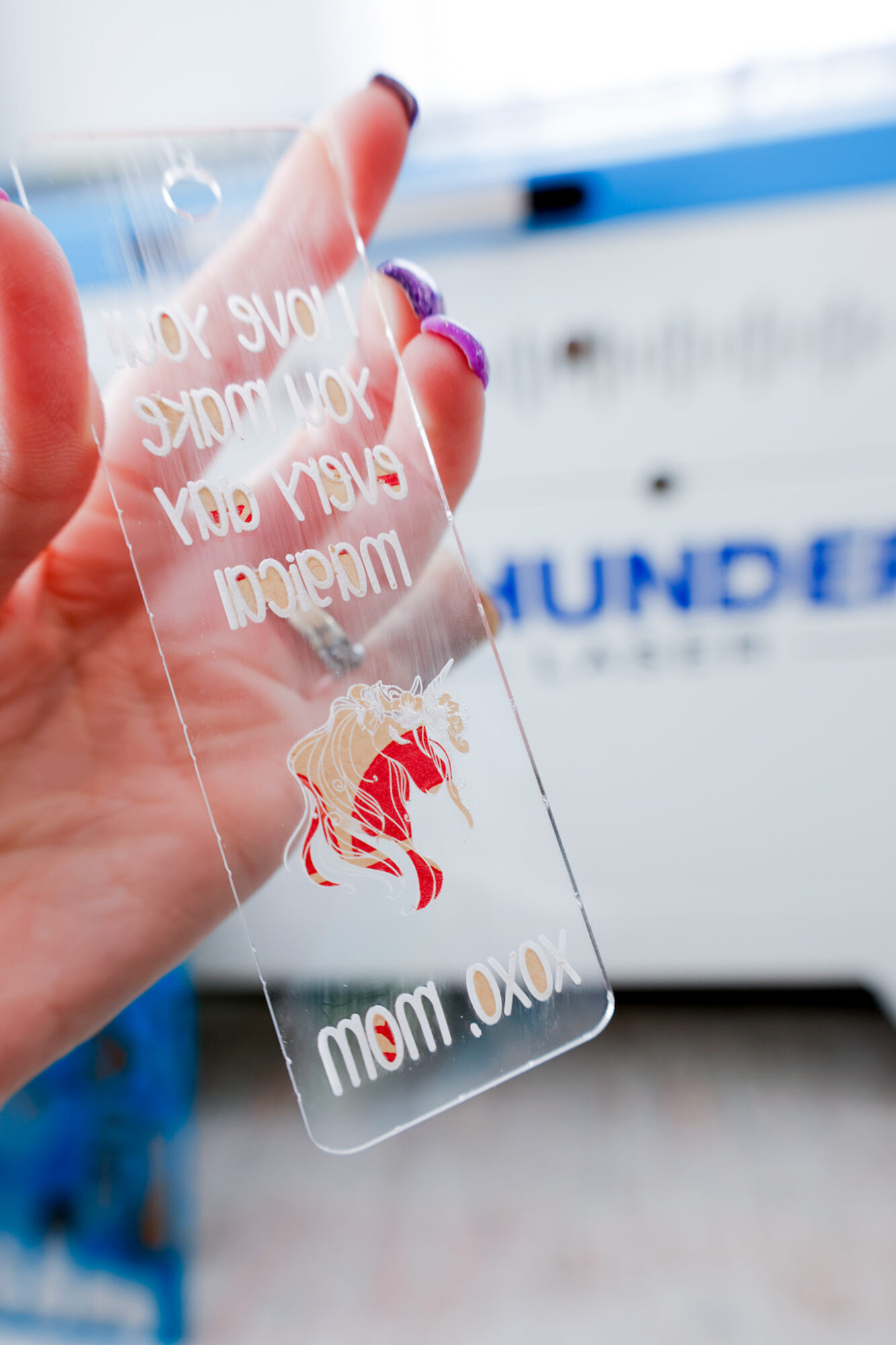
To remove the excess pieces of masking tape (this is already on the acrylic I purchase), I use a microfiber cloth with 70% rubbing alcohol and just scrub it back and forth. The masking tape lifts and comes off on the microfiber cloth.
You May Also Like: Valentine’s Day Door Sign + Free SVG
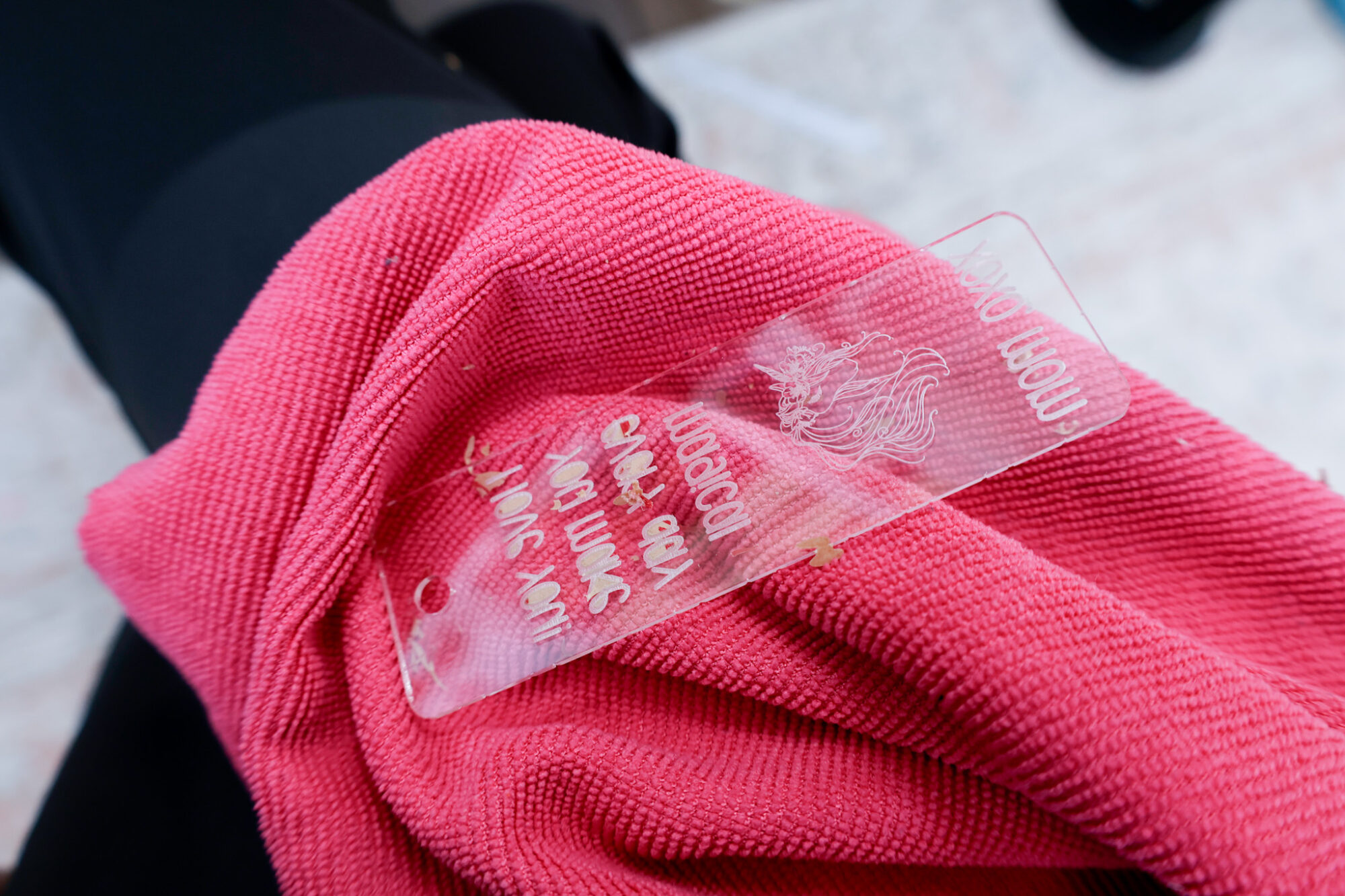
I follow up with a clean microfiber cloth and make sure the shiny surface is clear of any residue.
Finished DIY Laser Engraved Bookmarks
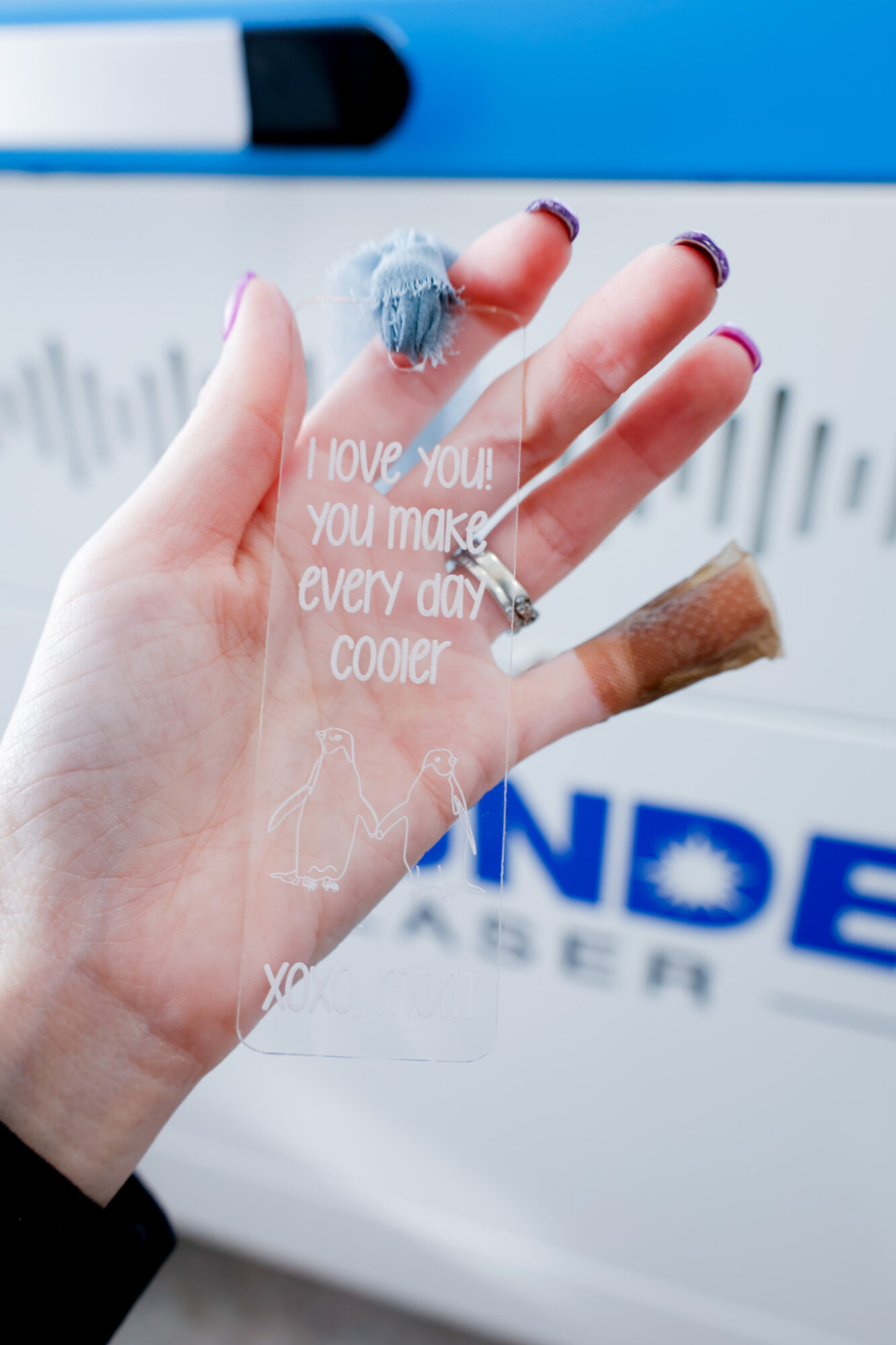
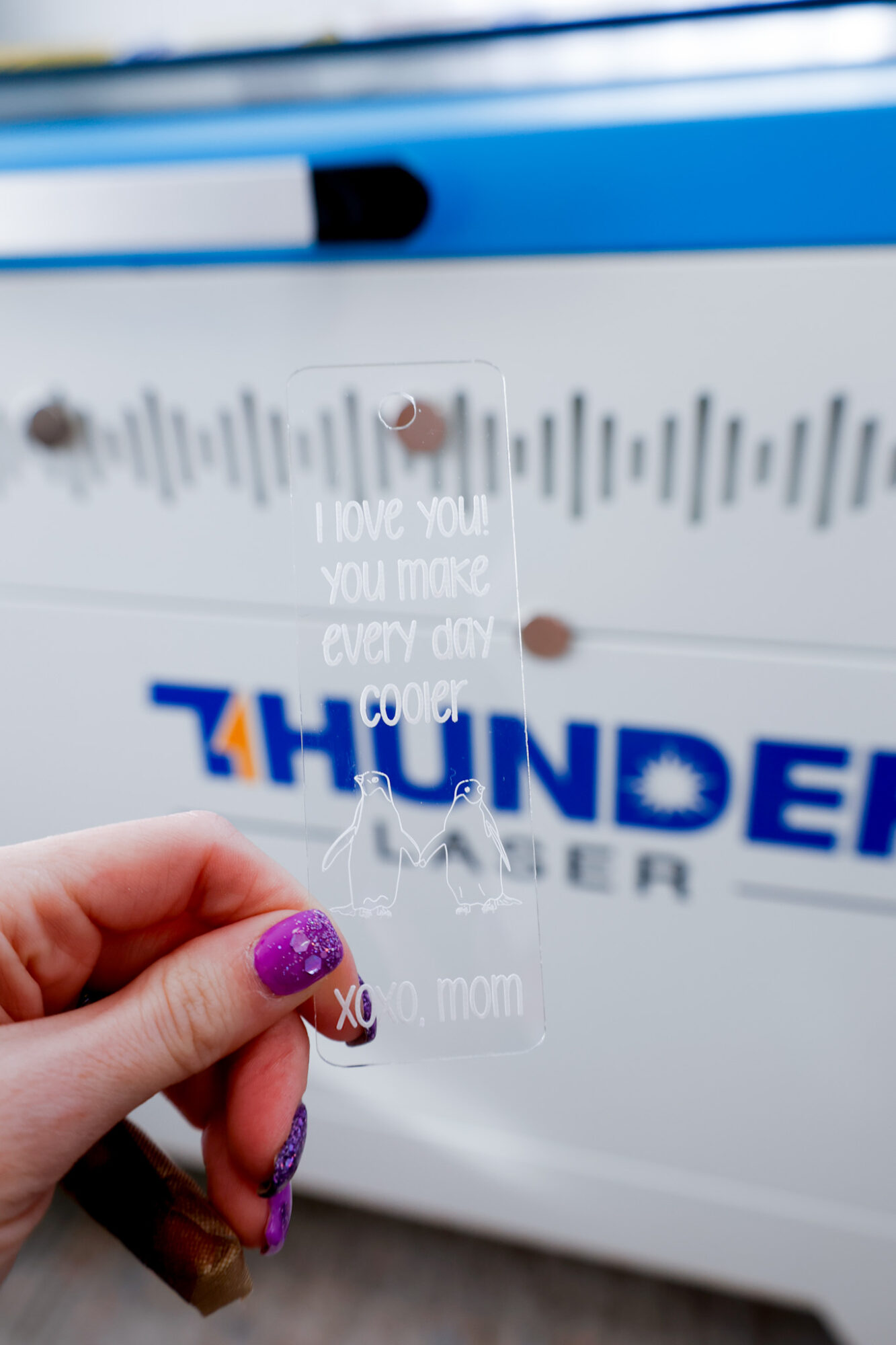
Here is one of my finished laser engraved bookmarks, for my penguin-lover…
To finish these up, I attached some ribbon I had on hand for each bookmark.
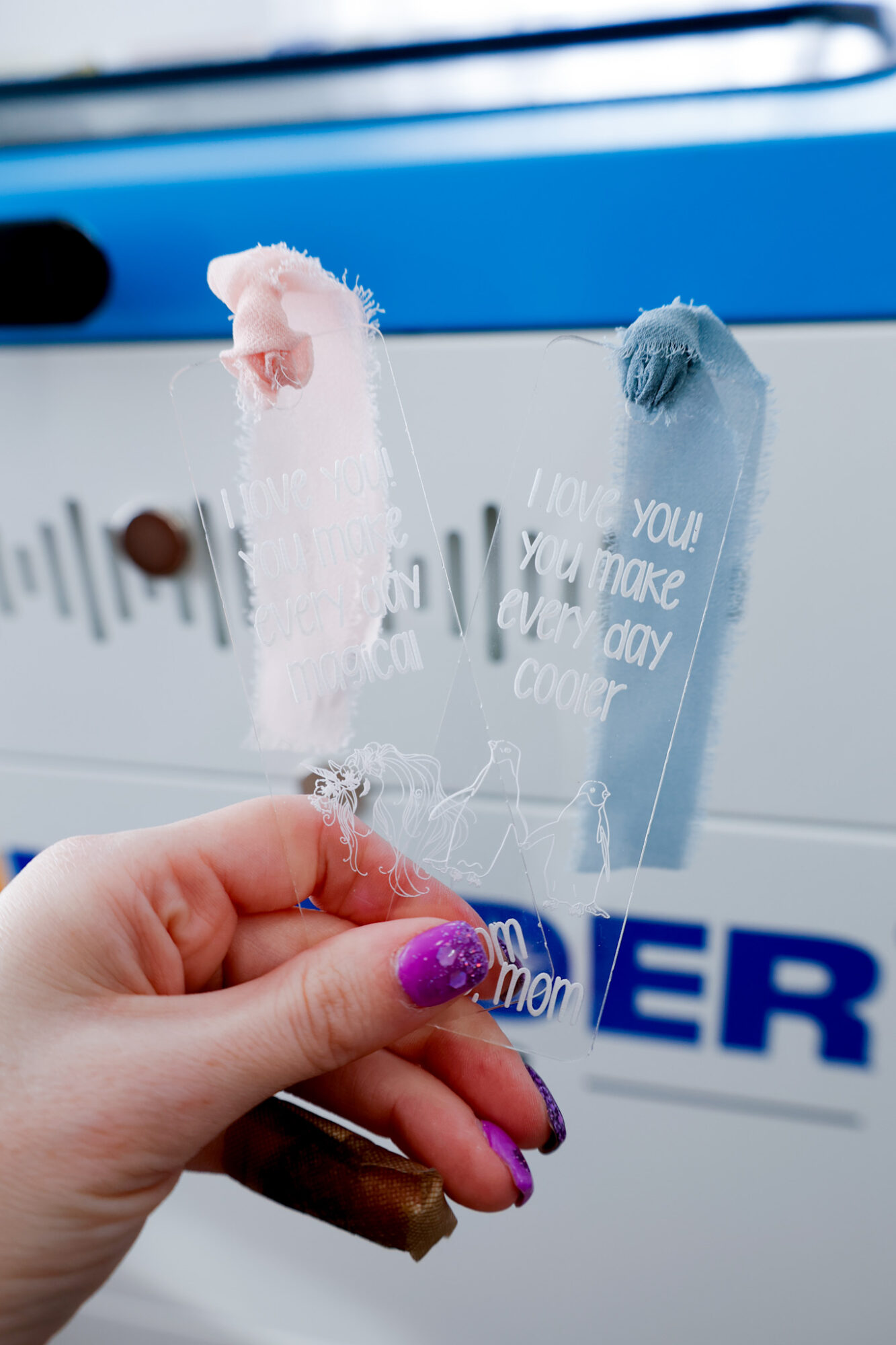
And ta-da! Finished bookmarks are ready for our kids Valentine’s Day baskets!
Free SVG Download: Laser Engraved Bookmarks
Sign up below to gain instant access to my free SVG file for this project:
Please remember that all free files are for personal use only, and cannot be sold, copied, or distributed.
Thank you!
Leave a Reply